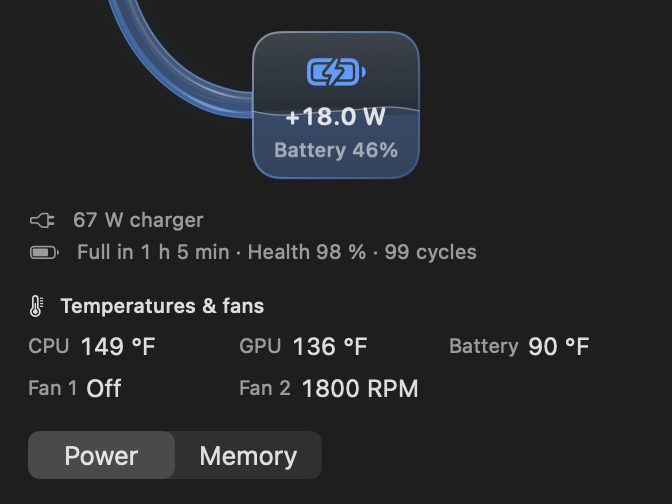
Wattbar 1.6 – temperatures, fan speeds and a check for updates

Wattbar 1.6 can show CPU, GPU and battery temperatures and fan speeds, checks for updates when you ask, and fixes the panel size and the right-click menu.

Wattbar 1.6 can show CPU, GPU and battery temperatures and fan speeds, checks for updates when you ask, and fixes the panel size and the right-click menu.

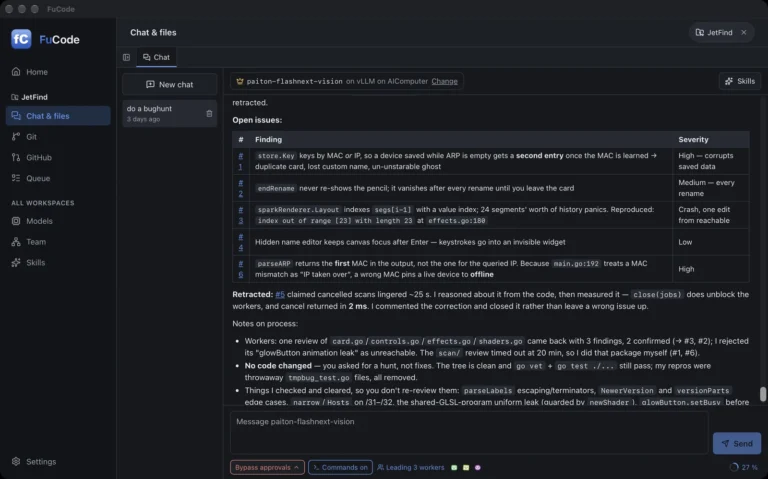
JetFind finds every JetKVM on your local network in about two seconds, shows live status and firmware, and opens each one in your browser. Free and open source, for the Mac.

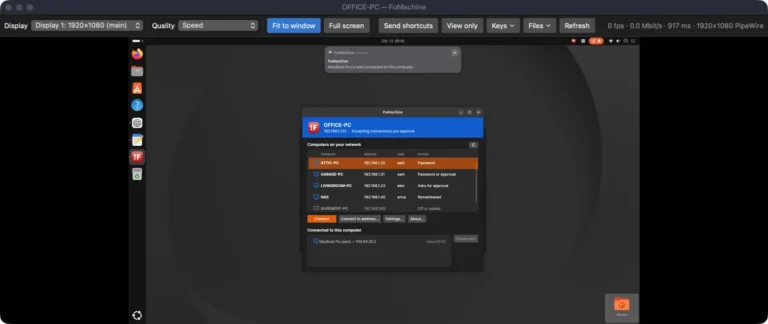
FuMachine 0.2.7 fixes copy and paste when two viewer windows are open to the same Windows computer, and logs pointer and click problems on Windows.

VibeBasic is a Visual Basic 6 clone with the Windows 98 look, for macOS, Windows and Linux: form designer, the VB6 language, a debugger and an optional local AI helper.

Wattbar 1.5 fills the battery card to its level, adds glass bars for the CPU and the app list, fixes a round of bugs, and uses about a third less processor with the panel open.

Wattbar 1.4 shows CPU frequency, fits two readings in the space of one, puts Settings in four tabs, and finds the battery health and cycles on more Macs.

Wattbar 1.3 adds a graph of the last half hour, the apps using the most power or memory, battery and charger details, and notifications. And Wattbar now has a page of its own.

FuMachine 0.2.6 adds a native, notarized Mac app, connections over Tailscale when you are away from home, and eleven versions of fixes since the first release.

A tiny power meter for the Mac menu bar: what your Mac uses, what the charger delivers, and what goes into or out of the battery. Now it can show RAM usage too, if you switch it on.

For a while now I’ve been vibe-coding games: I describe what I want, the AI writes the code, and I keep pushing until it’s fun (or at least explodes nicely). They started piling up, so I gathered them all in…